
AutoPostTranslator WordPress auto-translation plugin.
A WordPress plugin for multilingual websites: it translates content with DeepL, Claude or OpenAI, creates Polylang relationships and handles large volumes in a background queue.
On a multilingual website, publishing quickly turns into routine work. The goal was a tool that runs inside WordPress and understands the whole content structure, not only the article text.
- Challenge
- Reduce manual copying and translation between language versions while keeping editors in control.
- Studio role
- Plugin development · API integrations · Admin interface
- Outcome
- Translation, language links, bulk processing and error logs are combined in one tool.
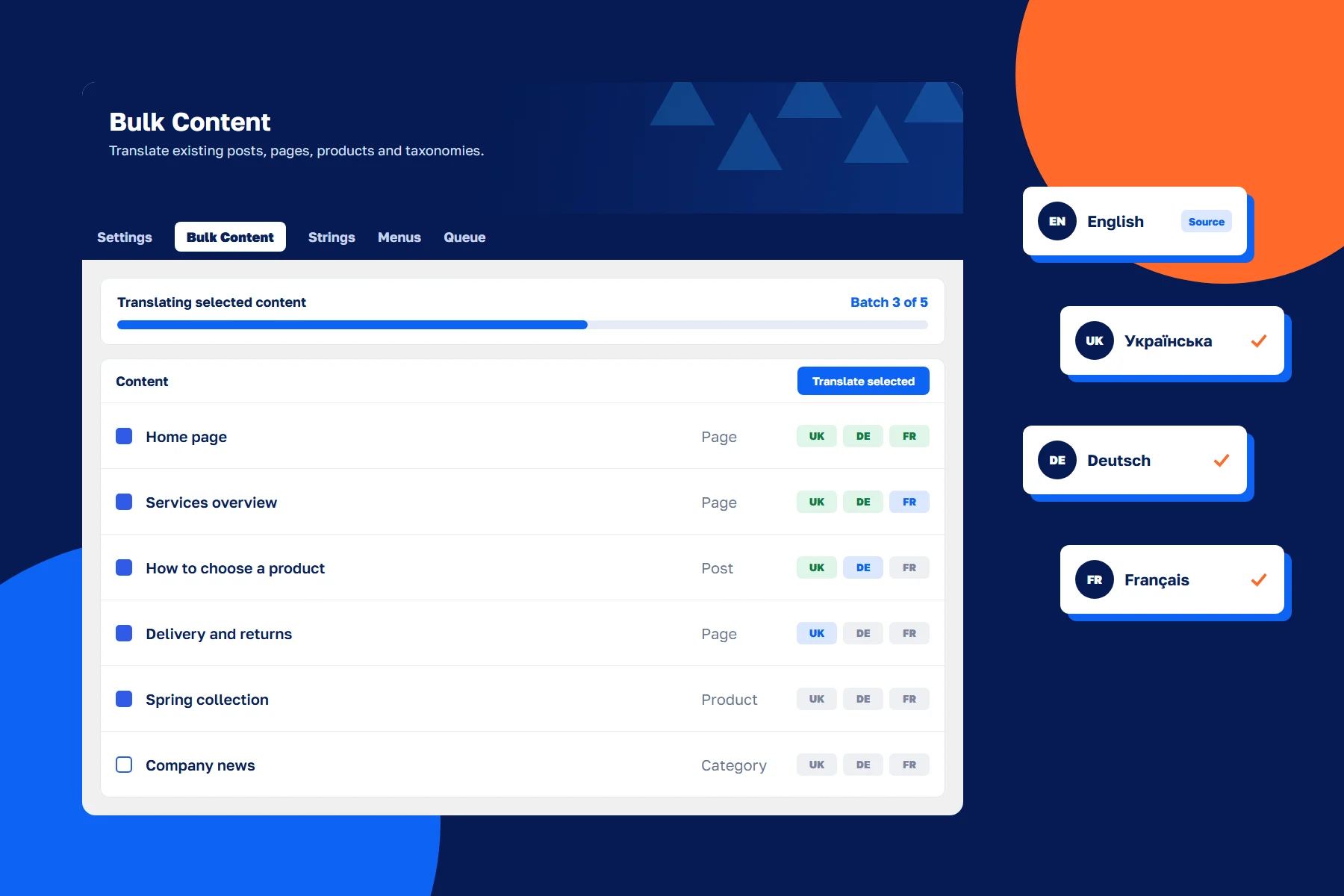
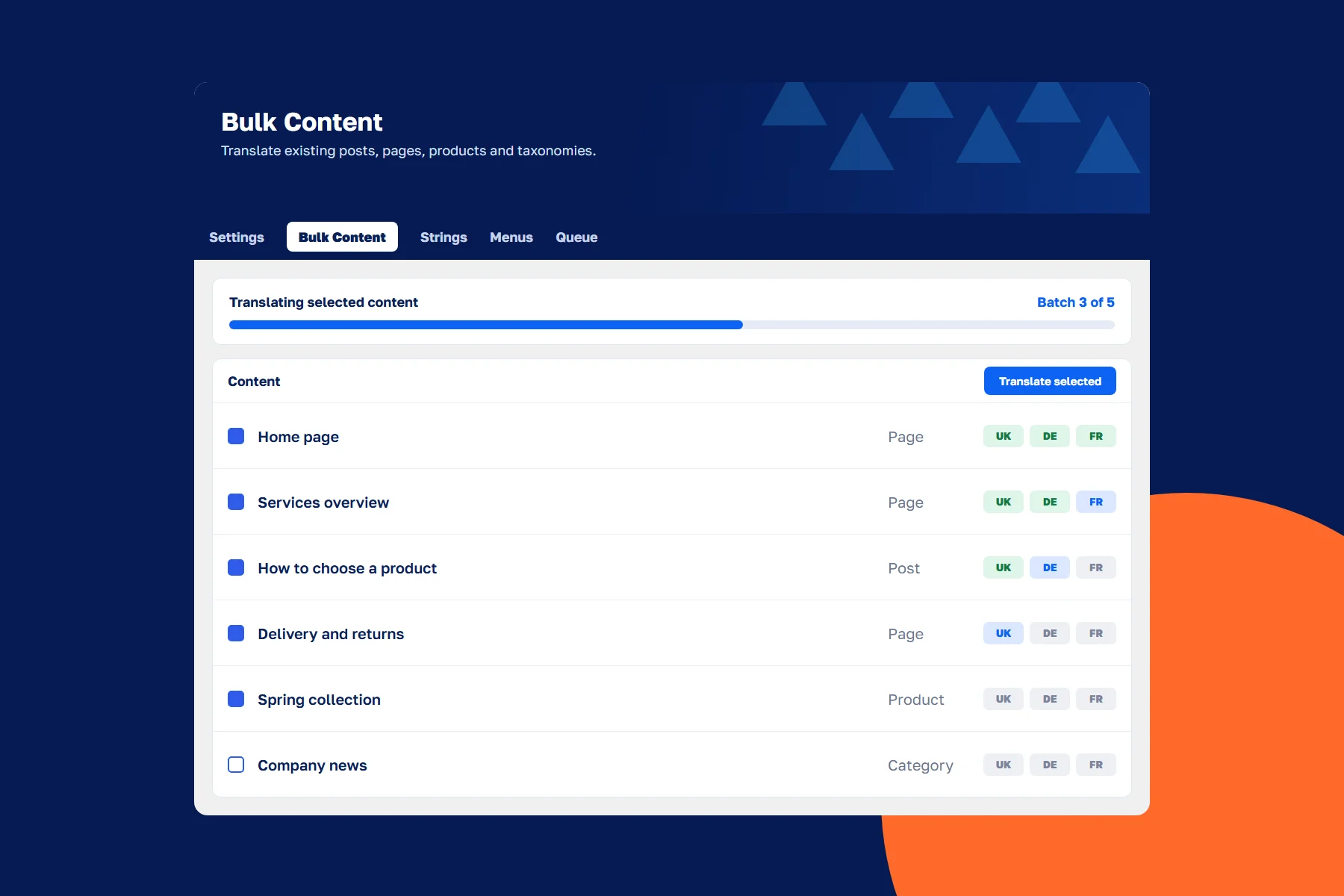
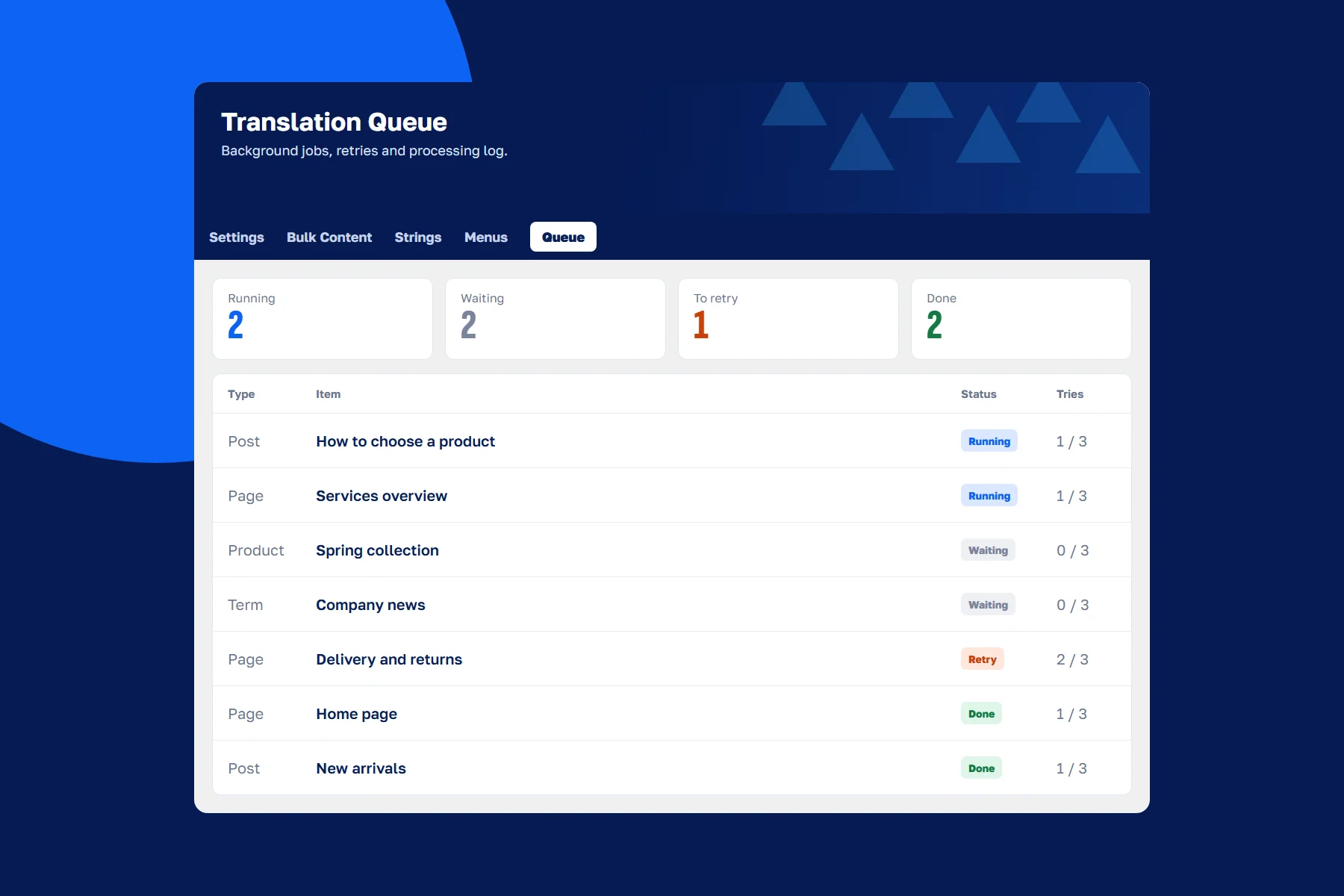
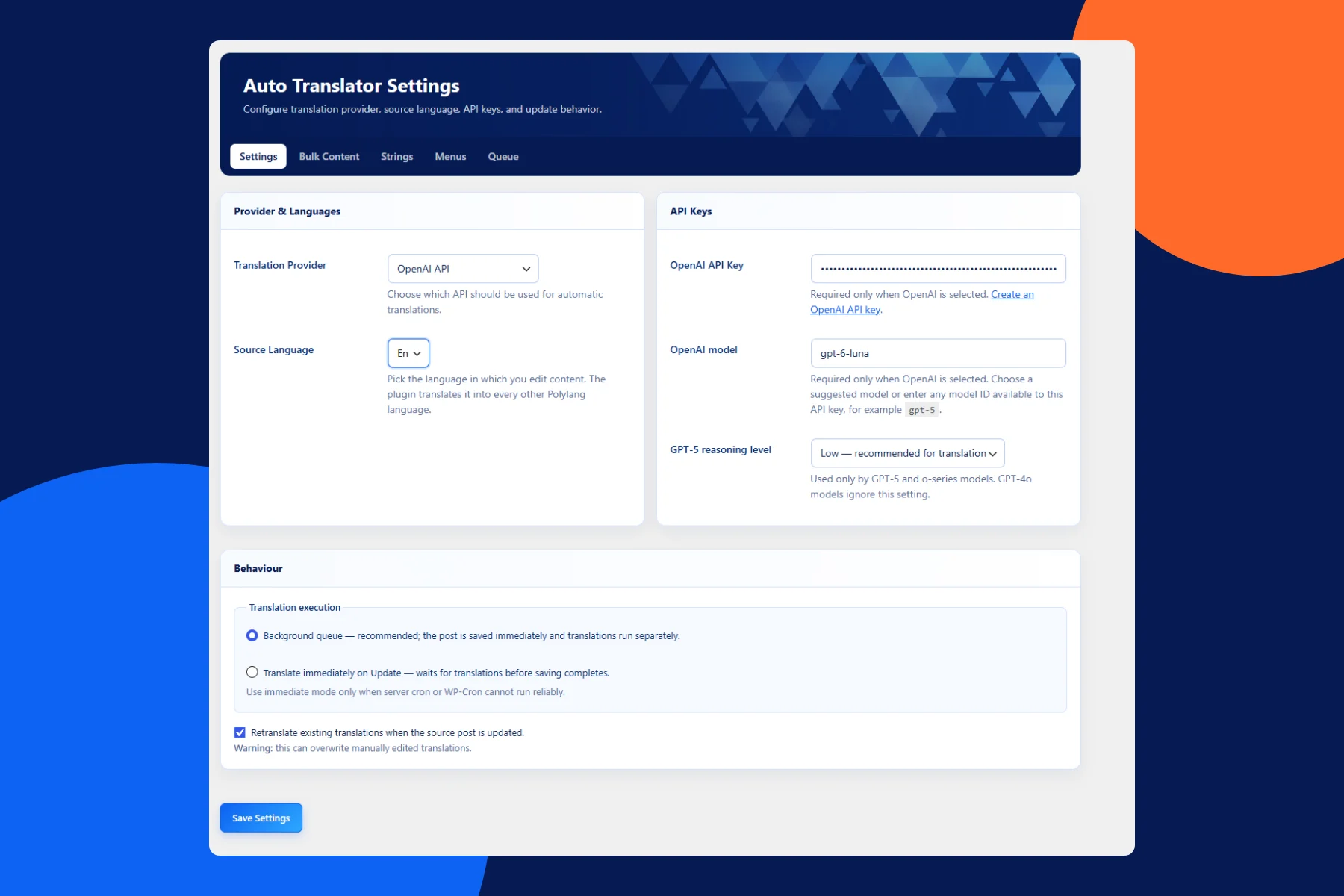
The settings screen is the real plugin interface. Bulk translation and queue views are illustrations with sample data.
Manual translation slowed down multilingual publishing
In multilingual WordPress, every item has to be copied, translated and correctly linked to its other language versions. Beyond the main text there are titles, excerpts, categories, custom fields, menus and theme strings, plus products and attributes in an online store.
The more content and languages a site has, the more routine work and the greater the risk of missing a field or breaking a translation link.
We defined what to translate and what to protect
We reviewed the WordPress content structure, how Polylang works and the editor’s workflows. It became clear that simply sending text to an API would not be enough.
- Technical values such as IDs, URLs, emails and phone numbers must not be translated.
- Translations must keep hierarchy, taxonomies and language relationships.
- Large volumes should not depend on a single server request.
- Sites need a choice of translation provider and model.
We combined translation, relationships and a queue in one plugin
The plugin tracks saved content and translates it into every available Polylang language, or processes existing content in batches. It walks through custom fields recursively, skips technical values and matches images with existing attachment translations.
For long operations we built a queue in the WordPress database with saved progress, retries and recovery after an interrupted process. In the OpenAI integration, several text fields are sent in one request with a structured response.
Multilingual content without manual copying
Editors can translate on save or in bulk, follow progress, errors and the processing log, and language versions are linked straight away. The team reviews the text instead of moving it by hand.
Time savings depend on content volume, languages and the chosen API, so we do not quote a universal figure.
What we built
- A choice of three translation providers: DeepL, Anthropic Claude and OpenAI.
- Translation on save or bulk processing of posts, pages and custom post types.
- Programmatic Polylang relationships that keep hierarchy, taxonomies and statuses.
- Support for custom fields, Carbon Fields, WooCommerce products, Polylang strings and menus.
- A background queue with progress, retries and recovery of interrupted jobs.
- An admin interface with settings, queue, errors and a processing log.
Services in this project
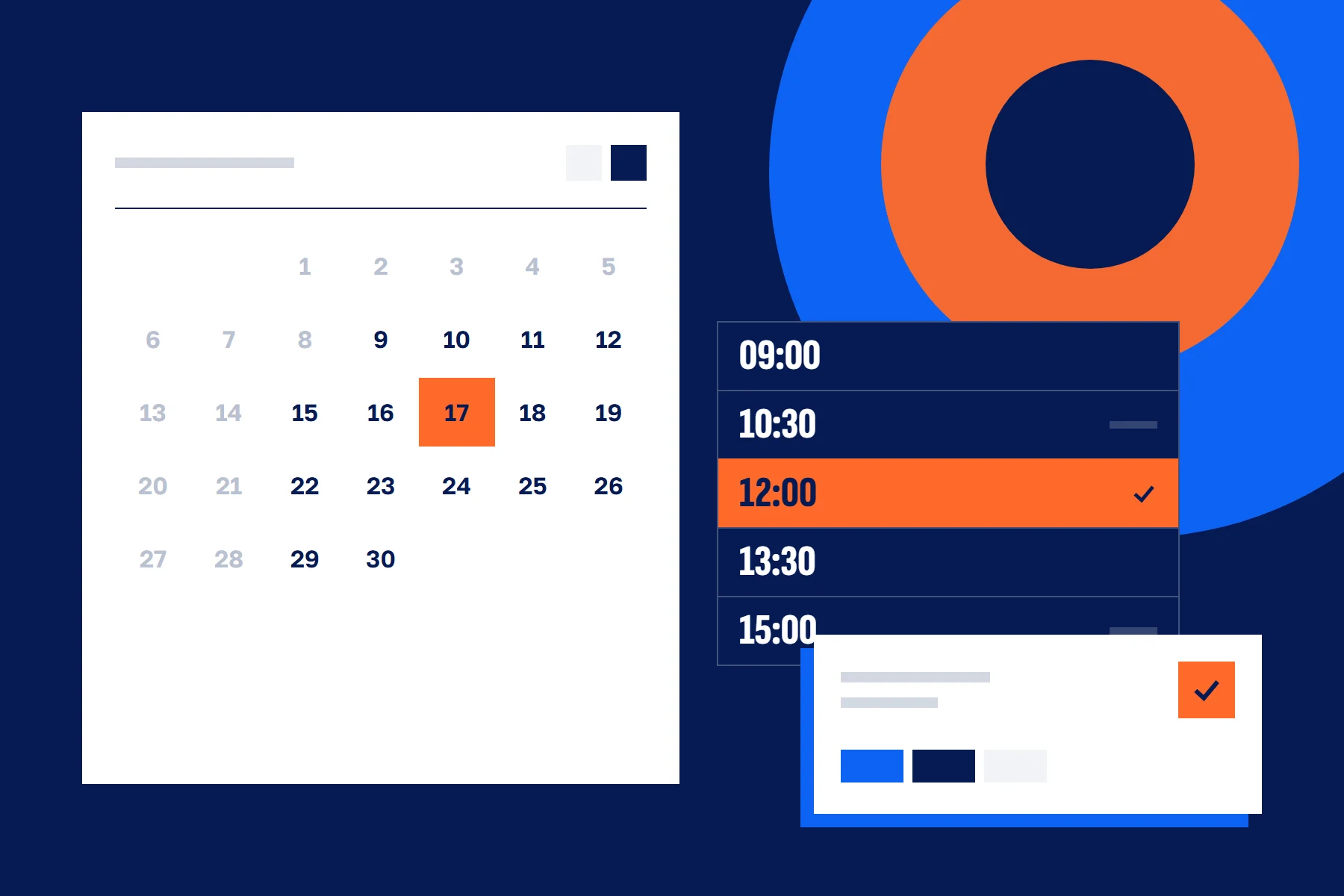
NDA A website with online booking and payments.
- Challenge
- Simplify the path from discovering a service to booking, generate more enquiries and reduce manual handling.
- Studio role
- UX analysis · UI/UX design in Figma · Development · Integrations · Admin panel
- Outcome
- Customer enquiries increased, while booking, payments and enquiry handling now work in one flow.
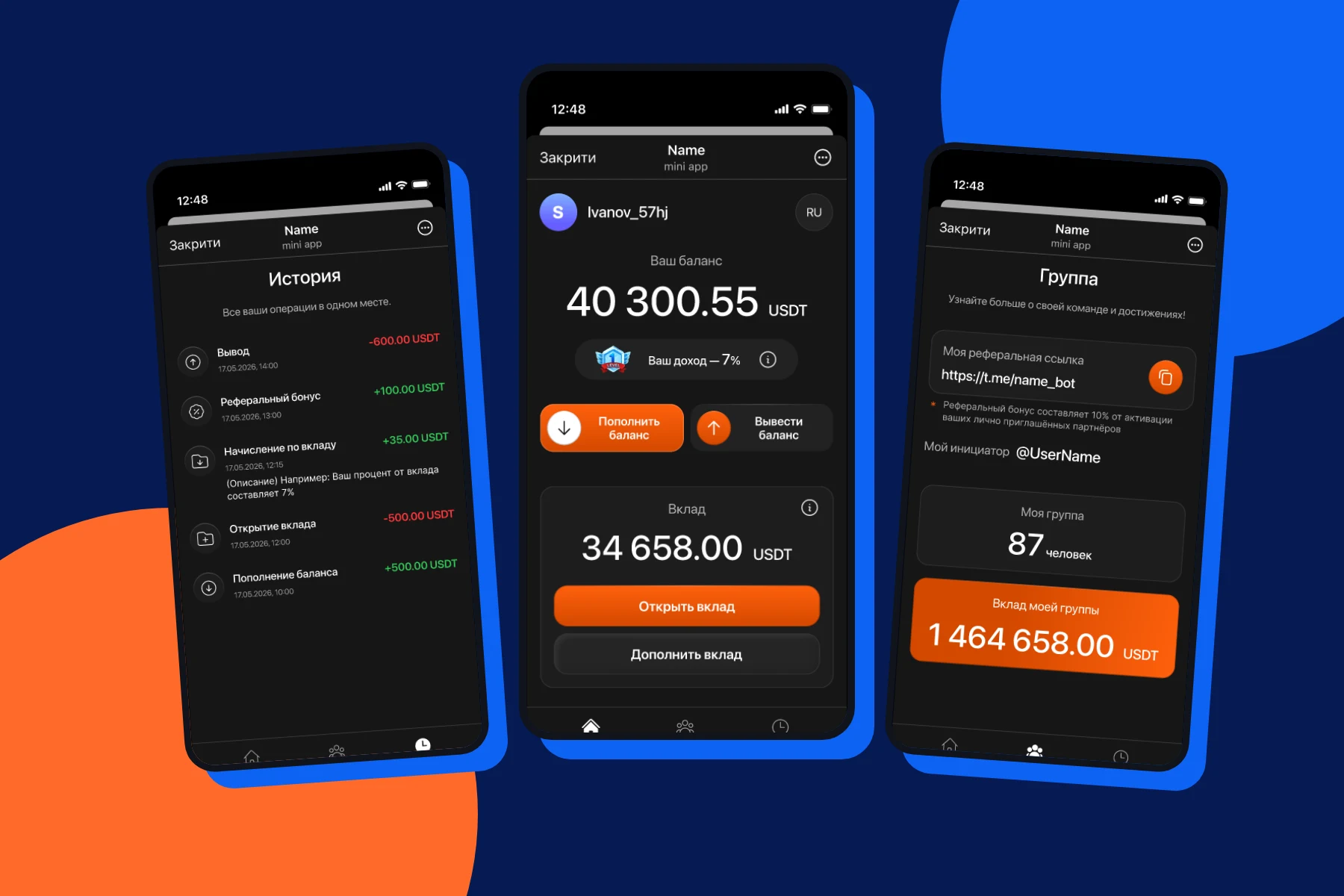
ApexInvest Telegram Mini App with a personal account.
- Challenge
- Bring user journeys into Telegram and centralise the handling of financial requests with access control.
- Studio role
- UI/UX design in Figma · Telegram Mini App · API · Admin panel
- Outcome
- Users manage their account in Telegram, while the team processes requests in the admin panel with notifications, roles and an activity log.
The next project
your idea.
Tell us what you want to build or improve. We’ll define the main journey, necessary features and the first step together.
A few sentences are enough to start. You don’t need a finished specification.