
Business automation: where to start
Find a repetitive task and define a clear integration outcome.

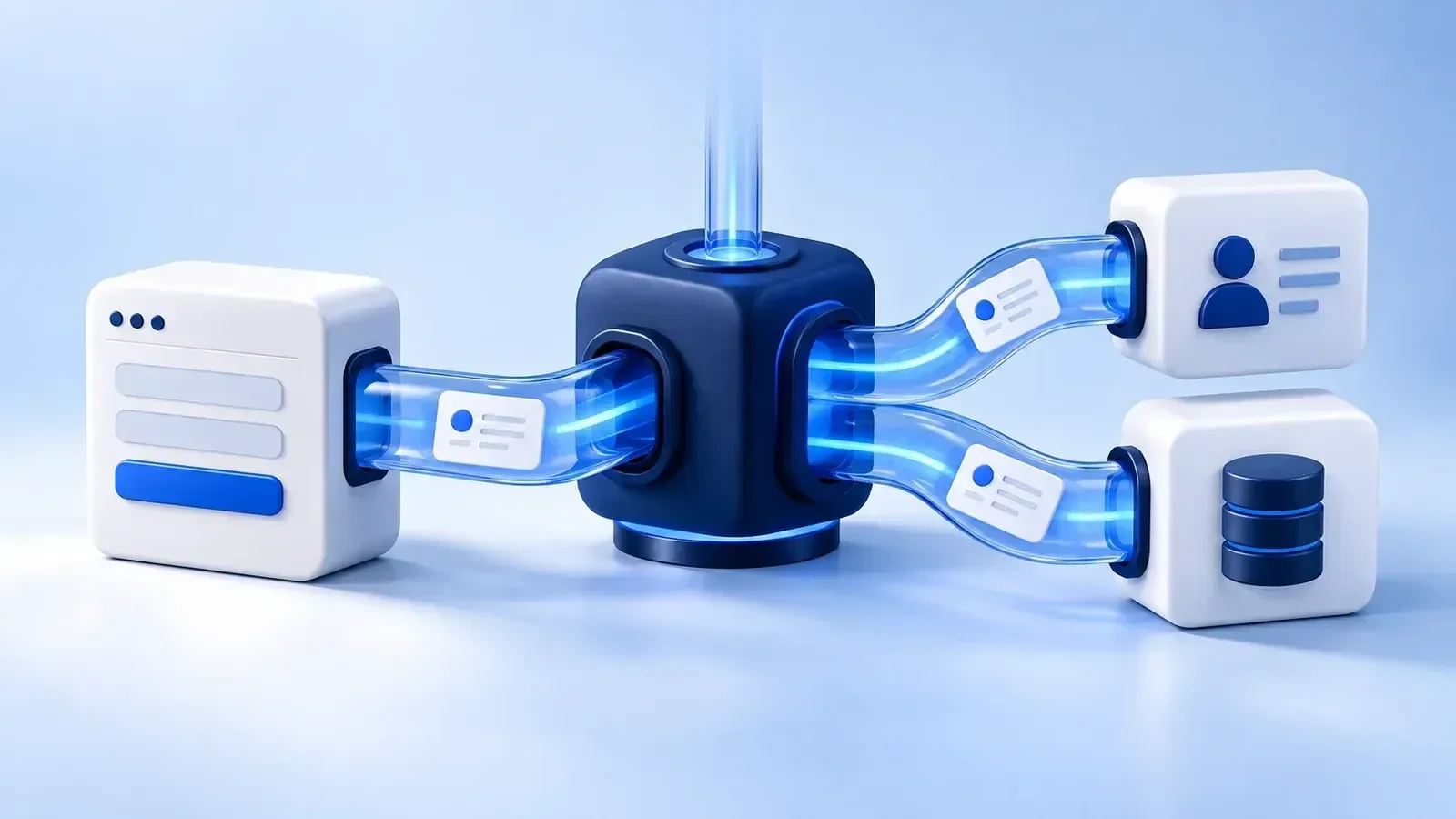
Choose a repetitive process with clear inputs and outputs. Document rules, exceptions and owners before deciding where integrations or AI fit.
01. Map the current process
Who receives the enquiry, where is the data stored and who checks the result? Mark manual transfers, duplicate entry and common errors. Moving website enquiries into a CRM is one example.
Suppose website enquiries arrive by email and a manager manually creates a CRM contact and task. Document the form fields, assignment rules and required status. Check what happens when the same customer submits another enquiry. This reveals the actual integration scope. Copying an email body is insufficient if the process also needs a contact relationship, an assigned manager and confirmation that the CRM received the request. Map each handoff explicitly.
02. Define rules and exceptions
Define how incomplete data, duplicates or an unavailable system are handled. Assign an owner for exceptions. Automation should leave a clear path to manual intervention.
If the CRM is temporarily unavailable, an enquiry should not disappear silently. Agree retries, status logging and notification of an owner after failure. Retrying should not create another copy of the same enquiry: the integration needs a stable event identifier and a check for an already completed action. Define exception handling before implementation while the team can still choose a workable manual fallback. Reliable recovery belongs to the process, not just its successful demonstration.
03. Separate integration from AI tasks
Structured data transfers can often use ordinary rules. Discuss AI for tasks such as processing text, preparing drafts or classifying messages. Include human review for important actions.
An enquiry with name, phone and service fields usually needs validation and an API integration. Free-form descriptions may benefit from an AI-suggested category or a short manager-facing summary. Agree what data reaches the model, how outputs are checked and when the original text must remain visible. A wrong category should not automatically trigger an important action without review. Evaluate processing cost and output quality against your own representative examples, including difficult and ambiguous messages.
04. Start with a controlled pilot
Choose one process and a limited dataset. Compare completion time, manual steps and errors before and after the change. Expand after validation, rather than a single successful demo.
Prepare test cases: a complete enquiry, missing contact details, duplicate submission, CRM delay and reassignment. Run them against test data first. Record the initial manual effort and a comparable measurement method for the pilot. A calculation of “enquiries × minutes spent copying” covers only part of the value. Maintenance, exception handling and service charges also affect the decision. One successful API request is not yet a proven operational process.
05. Check access and ongoing costs
Before estimating, establish whether the API is included in your plan, its request limits and who manages access. Give the integration only the permissions needed for agreed actions. Keep secrets on the server rather than in browser code. Include service fees, monitoring and updates after API changes in the budget. Agree data processing and retention requirements separately when personal data is involved; connecting systems does not resolve every organisational responsibility.
06. Make the integration observable
The owner should be able to distinguish delivered enquiries, pending retries and requests needing manual action. An agreed log or working dashboard may be sufficient; every workflow does not need an elaborate monitoring platform. Document common errors and recovery steps. After launch, check the business result as well as technical responses: the contact exists, the task is assigned and the manager can actually see the enquiry. That is the complete handoff.
A minimal website-to-CRM workflow
| Step | What to agree |
|---|---|
| Receive | Fields, contact validation and enquiry identifier. |
| Transfer | Field mapping, permissions and assignment. |
| Failure or retry | Retries, duplicate prevention and a manual fallback. |
| Verify | The manager can see the enquiry, status is logged and errors are explained. |