Business Automation: A System That Works Without Constant Manual Oversight
Requests come in through the website, managers transfer them to a spreadsheet, invoices are prepared manually, and the business leader asks about order statuses every day. Each individual action seems straightforward. The problem arises when growth in customer numbers means a pro

Requests come in through the website, managers transfer them to a spreadsheet, invoices are prepared manually, and the business leader asks about order statuses every day. Each individual action seems straightforward. The problem arises when growth in customer numbers means a pro
Overview
Requests come in through the website, managers transfer them to a spreadsheet, invoices are prepared manually, and the business leader asks about order statuses every day. Each individual action seems straightforward. The problem arises when growth in customer numbers means a proportional increase in correspondence, checks, and reminders.
Business automation helps break this connection: the system handles repetitive operations, while the team focuses on decisions, negotiations, and nonstandard situations. This is not about removing people from the process, but about working according to clear rules without constant manual intervention.
To achieve this result, you first need to identify exactly where the company is losing time, then choose suitable tools and gradually connect them into a working system.
Why Manual Management Holds Back Growth
Routine work takes more than just the time needed to complete a task. It creates dependencies: the accountant waits for data from the manager, the manager waits for confirmation from the warehouse, and the customer waits for a response from everyone involved. The business leader becomes a dispatcher, constantly trying to find out where work has stalled.
Three problems are particularly noticeable:
- Repeated data entry. Contact information, business details, and order contents are copied between services. Every transfer creates an opportunity for error.
- Fragmented data. The spreadsheet shows one status, the CRM shows another, and the latest agreement remains in private correspondence.
- Invisible delays. Without an assigned owner, a deadline, and a change history, it is difficult to distinguish a task in progress from one that has been forgotten.
Imagine a company where, after a call, a manager has to create a deal, notify the person responsible for carrying out the work, and send the customer a confirmation as separate steps. If the manager gets distracted after the first action, the process stops. Business process automation should ensure that the process moves to the next step or notify the responsible person why that transition is not possible.
What Business Automation Really Means
Installing a CRM does not, by itself, create an automated company. If employees still manually transfer requests into it, generate documents, and check payments in another service, only the storage location for information has changed.
Comprehensive automation of a company’s operations brings together data, rules, and responsibility. For each process, you need to define:
- which event triggers the work;
- where the system gets its information;
- which actions it performs automatically;
- when a human decision is needed;
- what counts as completion of the process.
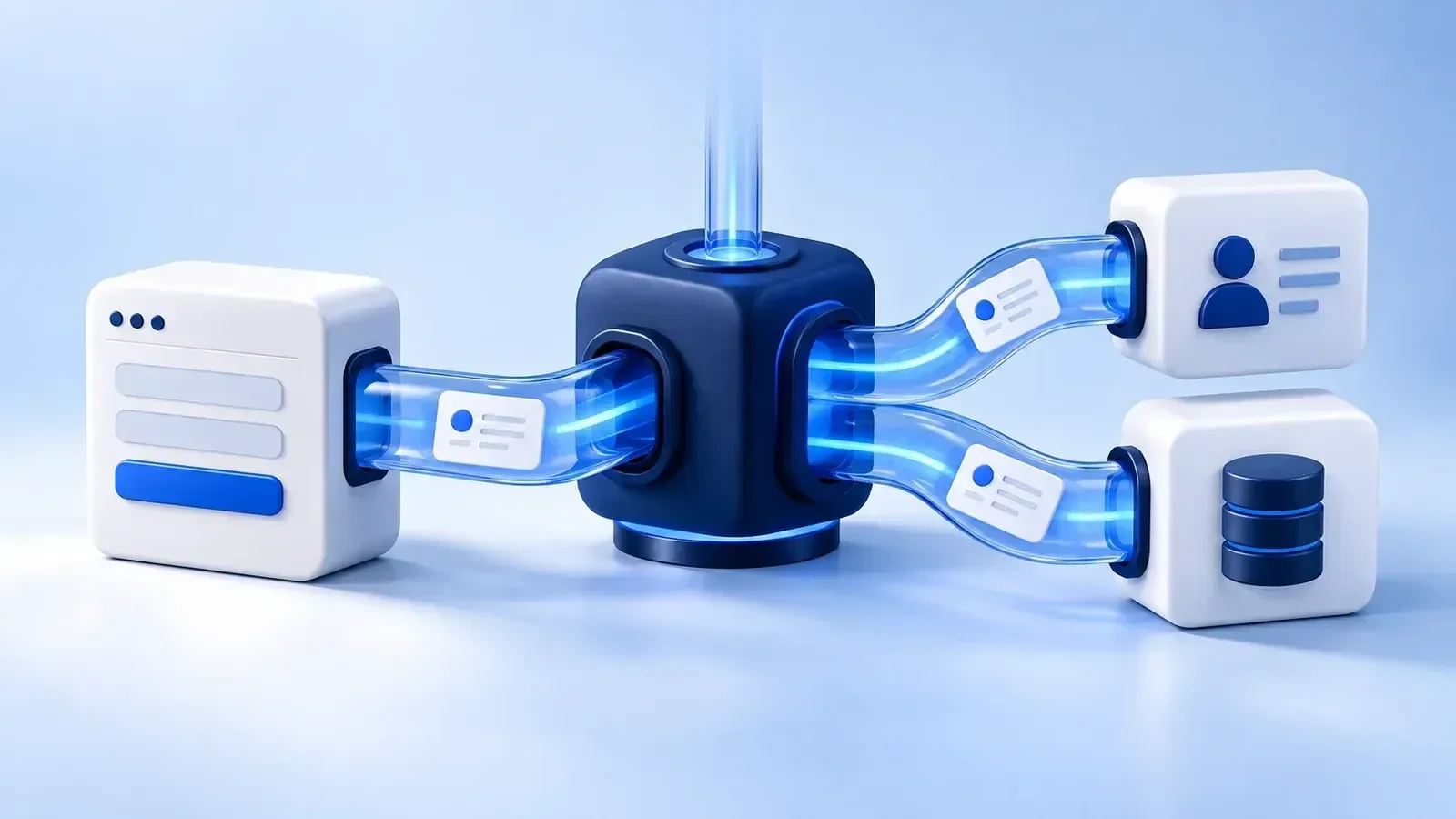
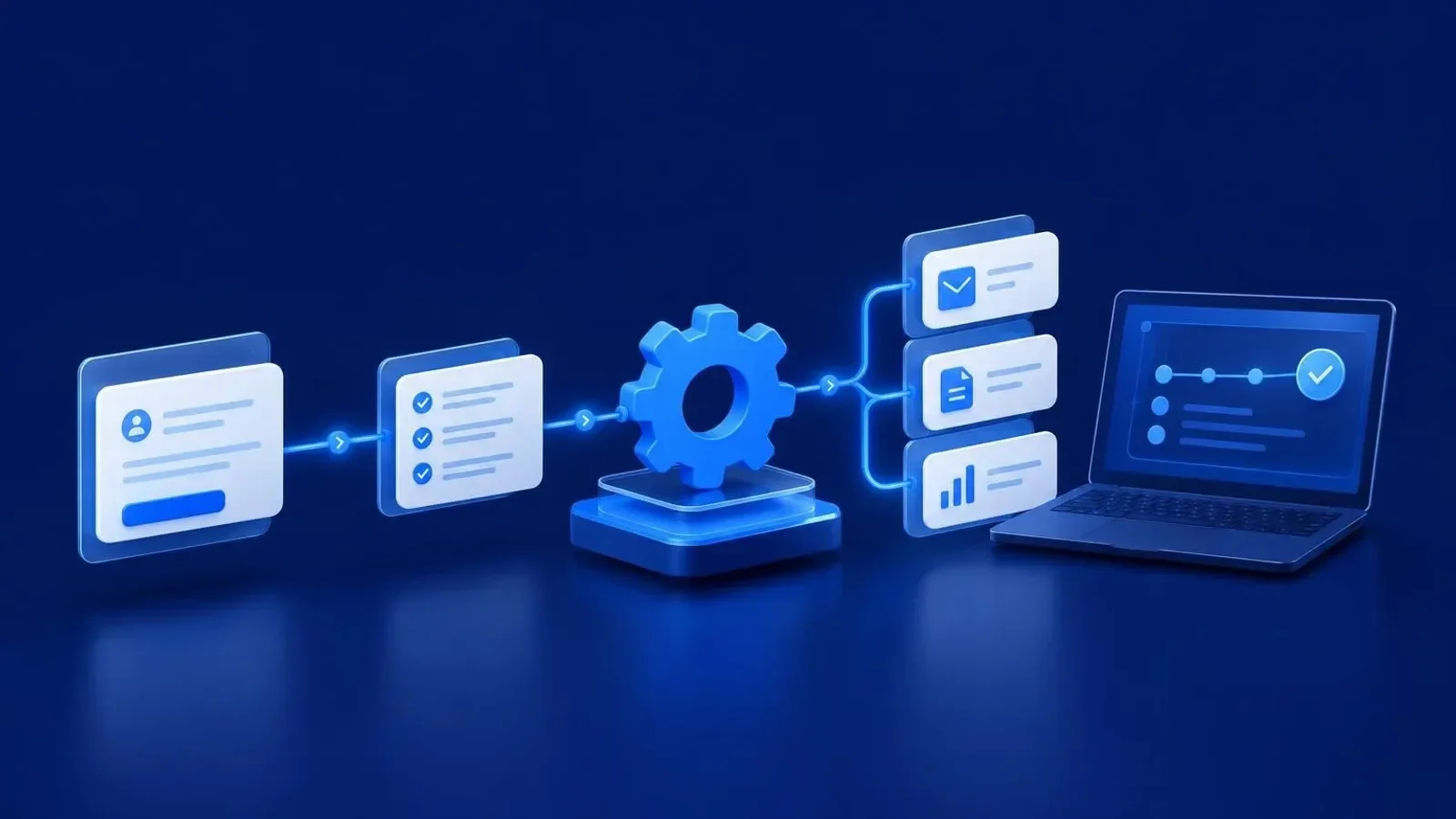
For example, in a hypothetical scenario, a request from the website creates a record in the CRM. The system checks required fields, assigns a manager, and sends the customer an acknowledgment that their inquiry has been received. Once the terms are agreed, a document is generated, and the order status becomes available to the relevant employees.
During website development, it is worth planning how data from forms will be transferred to internal services from the outset. Otherwise, even a user-friendly website may remain a separate channel that adds manual work for the team.
A unified system does not necessarily mean a single application. It can consist of several services with coordinated data flows between them.
Which Processes to Automate First
Start not with the most complex task, but with a process that repeats frequently, has clear rules, and creates a noticeable workload. A good candidate is an operation where an employee mainly transfers information, checks standard conditions, or sends a routine message.
Requests and Customer Interactions
The first step is to collect inquiries from designated channels in one workspace, assign responsible employees, and monitor response deadlines. You can then add reminders, status-change notifications, and follow-up tasks.
It is important to distinguish between an automated acknowledgment and a substantive response. A “request received” message should not automatically close the manager’s task.
Documents and Orders
A practical starting point for document workflows is filling approved templates with verified data. The system can prepare a draft document and submit it for approval while keeping it linked to the customer or order.
For orders, it is useful to define the permitted transitions between statuses. For example, an order should move into fulfillment only after the required approval, rather than after an arbitrary chat message.
Reporting and Monitoring
Reporting should be based on data already generated during work. If employees manually reconstruct the history of completed tasks at the end of the week, the report becomes yet another separate process.
Before choosing your first workflow, ask the team: what has to be done repeatedly, where is information most often missing, and which delay does the customer notice first? The answers will help establish priorities without a complex scoring system.
How Artificial Intelligence Changes Automation
A conventional workflow works well with the rule “if an event occurs, perform an action.” AI-powered business automation adds the ability to work with unstructured information: the text of an inquiry, correspondence, a problem description, or a draft piece of content.
Practical applications include:
- AI assistants for the team: finding information in internal materials, preparing summaries of correspondence, and drafting responses.
- Smart chatbots: answering common questions using an approved knowledge base and passing complex inquiries to an employee.
- Inquiry processing: preliminary topic classification, extraction of the necessary data, and routing to the responsible person.
- Content automation: drafting descriptions, adapting text for different formats, and checking it against editorial guidelines.
For example, AI can suggest a category for an incoming email and briefly summarize the customer’s problem. The next step—creating a task in the appropriate department—is then carried out according to a defined rule.
At the same time, a model’s output should not be treated as a verified fact. Financial commitments, legally significant texts, and nonstandard promises to customers are best left subject to human approval. You also need to define which data may be sent to the chosen AI service.
Automate the transfer and preparation of information, but do not delegate responsibility to AI for decisions the company is not prepared to accept without verification.
Off-the-Shelf Services or Custom Development
The choice depends on the complexity of your processes, existing systems, and control requirements. Not every company needs its own software product, but not every process should be adapted to fit the capabilities of an off-the-shelf service.
| Approach | When it is appropriate | What to check before choosing |
|---|---|---|
| Off-the-shelf CRM | The main task is to organize contacts, deals, and managers’ work | How well the sales stages match your processes, access permissions, and integration capabilities |
| n8n or Make | You need to connect existing services and trigger sequences of actions | Availability of the required integrations, error handling, and limitations of the chosen environment |
| Custom system | You have nonstandard logic, specialized roles, or need your own workspace | Development scope, support, documentation, and the ability to make future changes |
| Combined approach | Off-the-shelf tools cover standard tasks, but specific needs remain | Each component’s responsibilities and data consistency between them |
If the problem is simply transferring requests between two services, first check whether integration is possible. This can be done using APIs—application programming interfaces through which systems exchange data.
If employees perform a complex sequence of actions across many windows, web application development with a single interface for their work may be appropriate. The existing CRM or accounting system can remain part of the solution.
The development of automation systems should begin with process requirements, not with a desire to use a particular technology.
How to Introduce Automation Without Disrupting Work
It is safer to change the way you work gradually, testing complete workflows within a limited scope. Trying to restructure sales, document workflows, and accounting simultaneously makes it harder to identify the causes of errors and train the team.
1. Describe the Current Process
Document the actual sequence of actions, not just the approved procedure. Who receives the request? Where do they check the data? What happens if information is missing? At this stage, it is useful to remove unnecessary approvals and duplication.
For each step, define the responsible person, input data, and expected outcome. Without this, the system will simply reproduce the existing confusion faster.
2. Design the Future Workflow
Define the primary source for each type of data. For example, contact information may be maintained in the CRM, while payment status comes from the accounting system.
Describe exceptions separately: a duplicate request, a canceled order, incorrect business details, or an unavailable service. Each needs a clear response, rather than a silent halt.
3. Develop and Test
Do not test only the successful path. You need tests for missing fields, duplicates, repeated delivery of an event, and integration failures. Rerunning a workflow should not create new documents or send identical messages uncontrollably.
Use a separate environment or prepared data for testing so that experiments do not affect customers.
4. Launch a Pilot and Train the Team
You can begin implementing automation with one type of request or one department. Employees need to understand what the system now does, where to check the results, and whom to notify about a problem.
A fallback procedure is needed during the transition. At the same time, clearly define when to use it so that manual and automated workflows do not duplicate operations.
5. Establish Support Responsibilities
Appoint a process owner and someone responsible for technical support. Maintain documentation of integrations, access rules, and change procedures. Without this, even a successfully launched solution gradually becomes difficult for the team to understand.
How to Evaluate Results and Maintain Control
Before launch, record the baseline: how many manual actions a request requires, where it waits for processing, and which errors need to be corrected. After implementation, compare the same process using the same principles.
It is useful to track request processing time, the number of items returned for correction, missed tasks, and instances of manual intervention. Separately, ask employees whether any new routine work has emerged—for example, constantly correcting data that was transferred incorrectly.
When assessing costs, consider not only the launch but also service fees, integration maintenance, training, and future changes. A solution that is cheaper initially is not always easier to operate.
Working without constant control does not mean working without any oversight at all. The system should display an action history, report failures, and provide role-based access. This allows the business leader to monitor deviations and results rather than every button click.
Where Your Company Should Start
Choose one recurring process, describe it from start to finish, and identify a specific problem: lost requests, repeated data entry, or approval delays. Then check whether it can be solved by configuring existing tools, adding an integration, or creating a separate module.
A business should not depend on dozens of manual operations. We develop solutions that connect your services, automate daily processes, and help the team focus on growing the company. For a concrete starting point, describe the process you want to automate in the brief: specify the services involved, the participants, and the outcome you expect.